

History and refunds
The «History» section is the register’s receipt journal. At the top are the totals: how many sales and refunds and for what sum, how much in cash and by card. The switch on the right picks the period: «Today», «Shift» or «All».
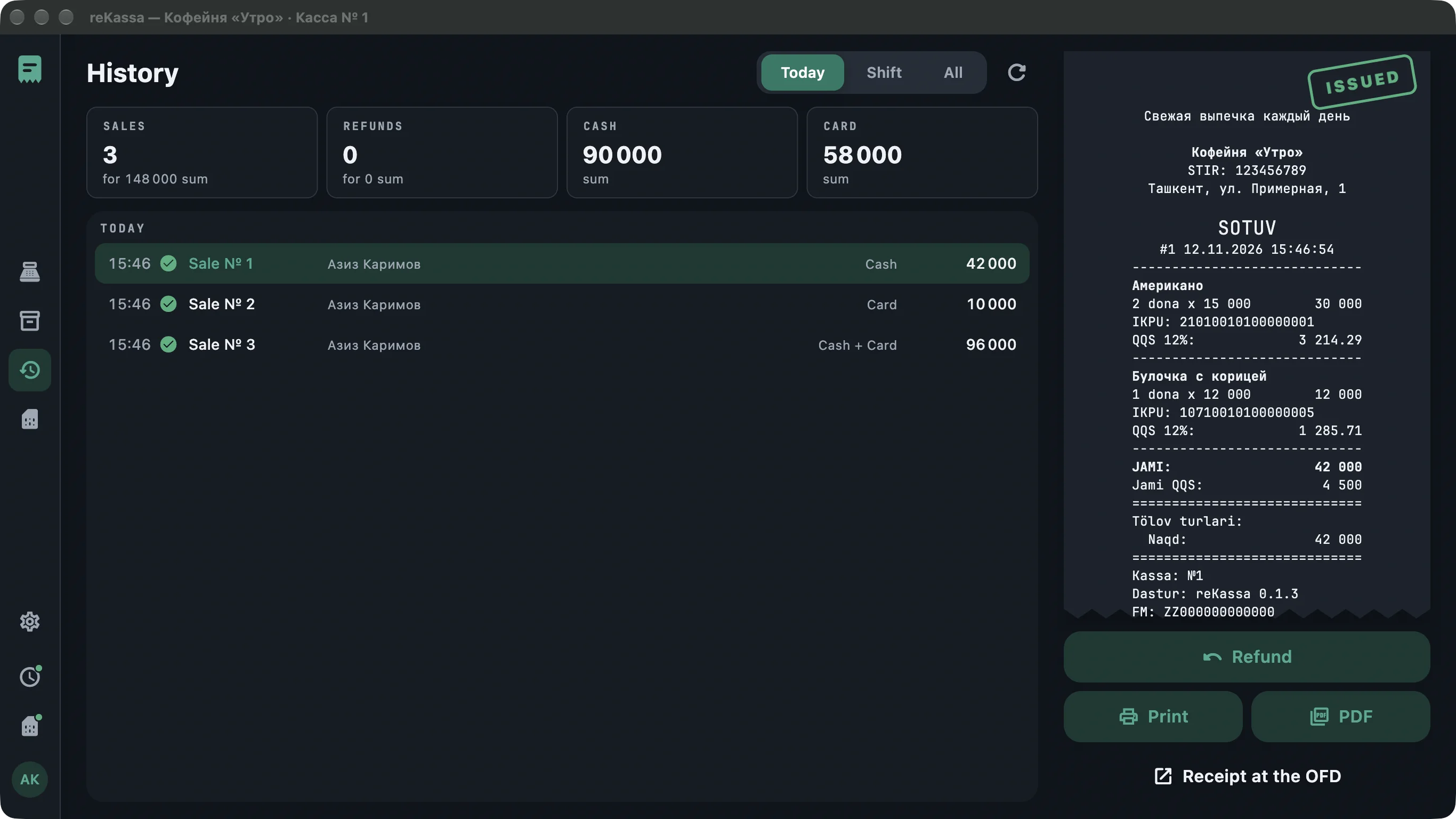
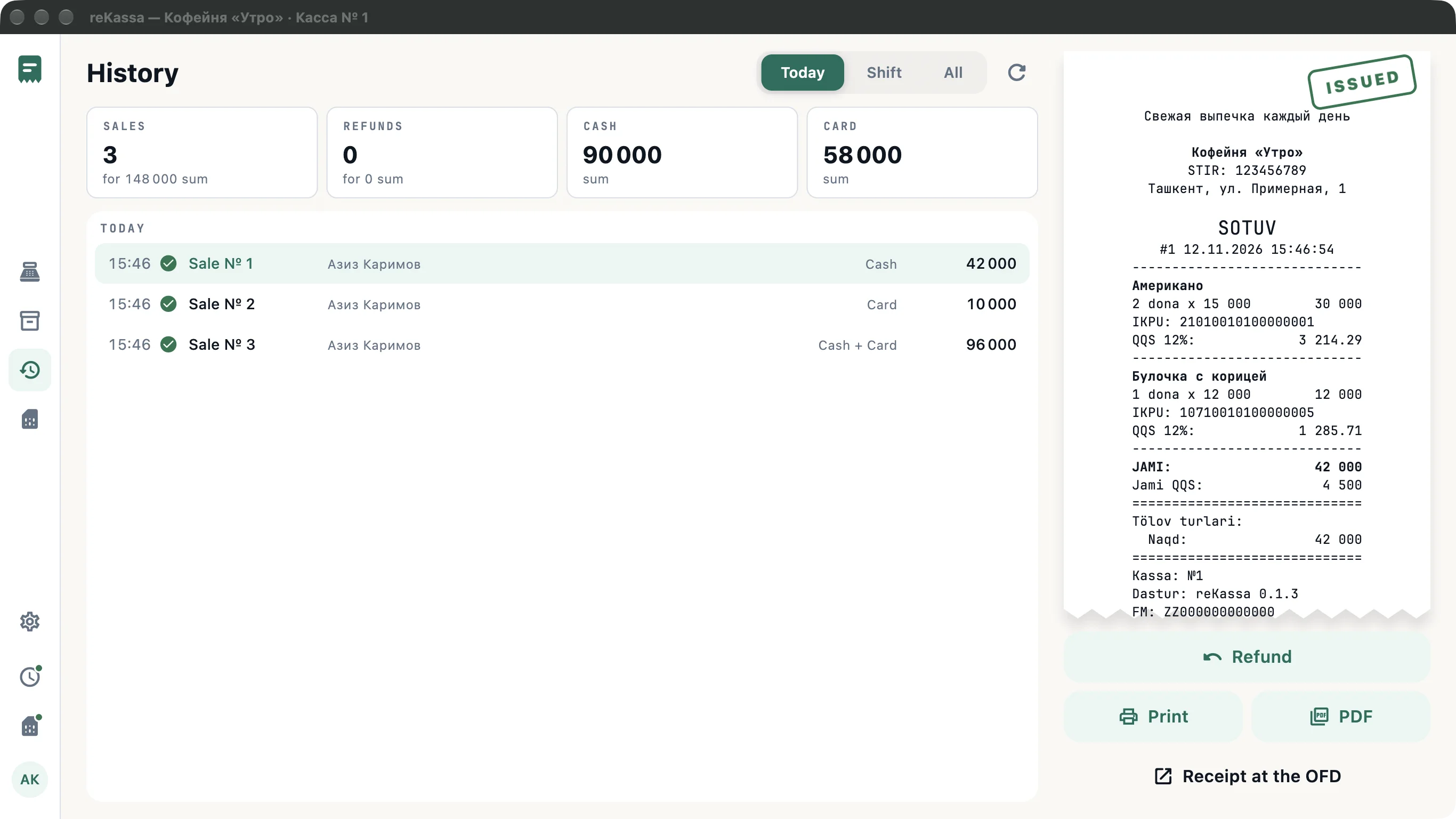
Press a receipt — it opens on the right as it looks on paper, with the «ISSUED» stamp. Under it:
- «Refund» — a refund by this receipt;
- «Print» — a copy on the printer;
- «PDF» — the receipt as a file to save or send to the buyer;
- «Receipt at the OFD» — the receipt’s page on the tax office’s site.
Refund
Section titled “Refund”-
Find the sale receipt in «History» and press «Refund».
-
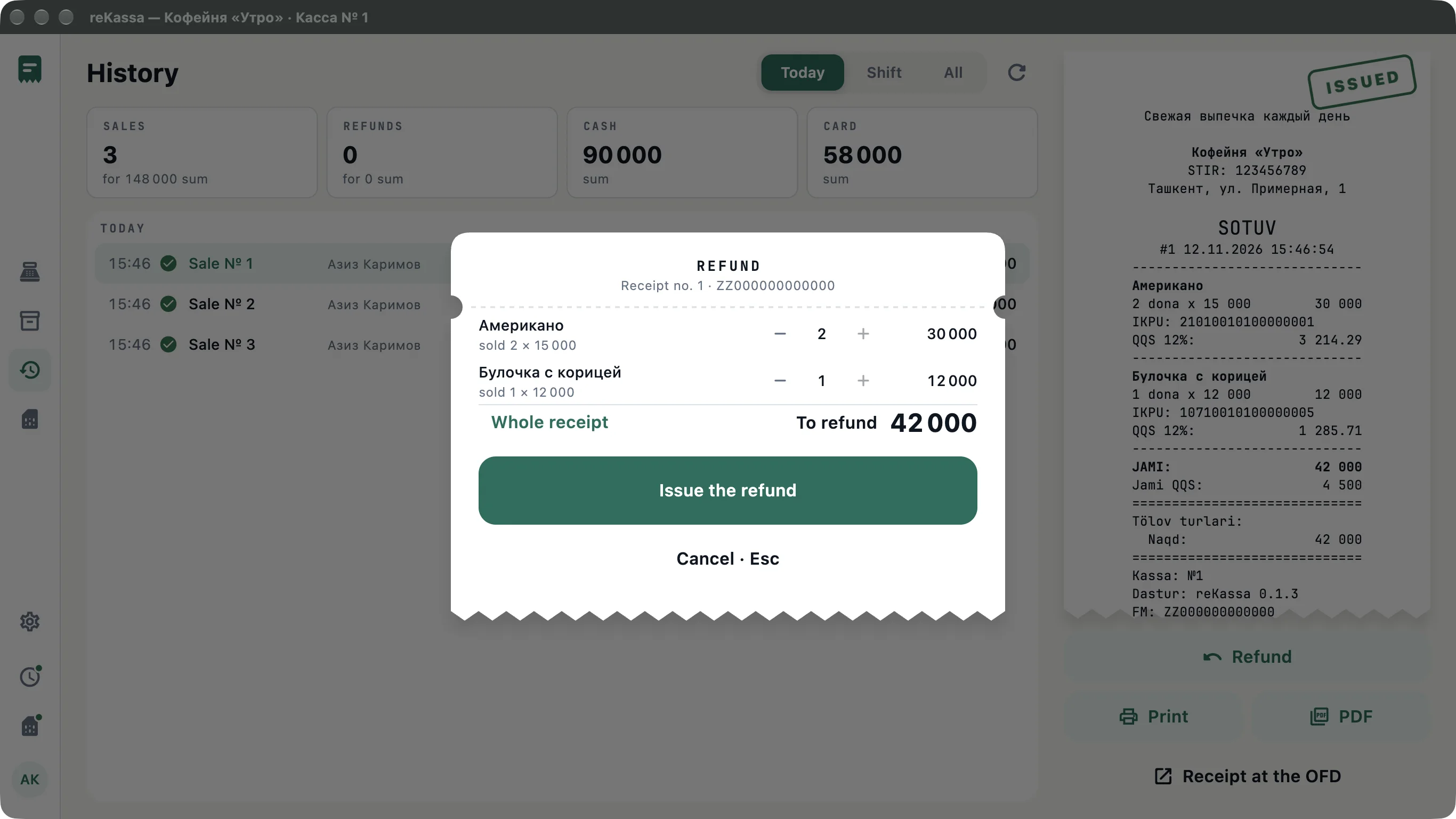
With «−» and «+» leave in each line as much as the buyer returns. «Whole receipt» returns everything.
-
Check the «To refund» sum and press «Issue the refund».
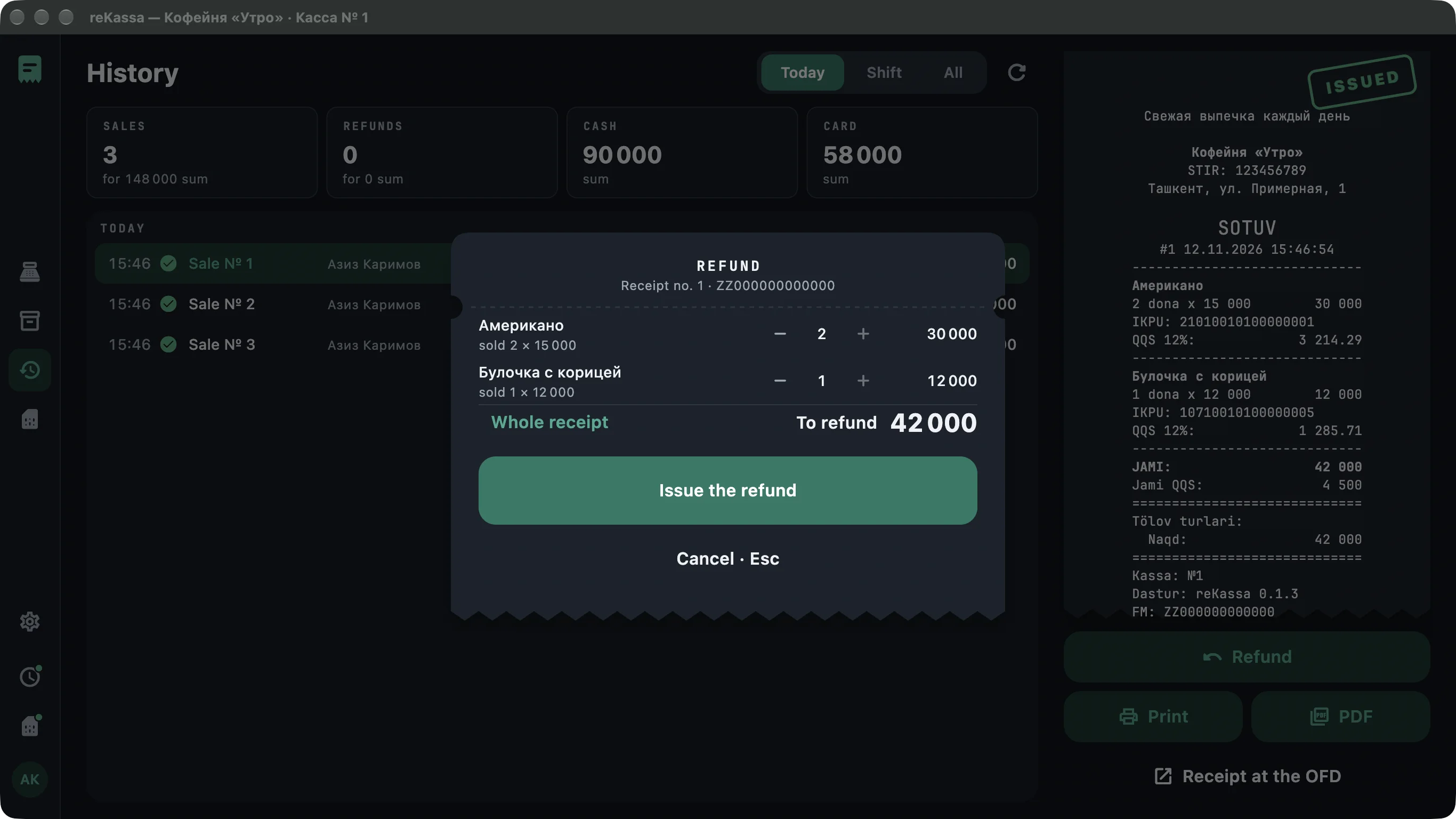
The money goes back the way it came: first in cash — no more than was paid in cash — the rest through the payment system or to the card. When there is more than one way, the register shows them before the refund is issued.
A refund is issued only on the register that issued the sale: the fiscal module must be the same.
The receipt was paid through Payme, Click or Uzum
Section titled “The receipt was paid through Payme, Click or Uzum”The register first returns the money through the payment system and issues the refund receipt only after it agrees. These systems return a payment only in full: a part of a receipt paid through them cannot be refunded — the register says «A payment through a payment system is refunded only in full».
Payme does not confirm a refund at once. If the register says «The payment system has not confirmed the refund yet. Try again in a minute», repeat in a minute — no second refund starts.
The receipt was paid through UzQR
Section titled “The receipt was paid through UzQR”UzQR does not return money through the register. The register issues the refund receipt, and you hand the money back to the buyer yourself — in cash or by transfer.