

The register on a computer
reKassa Desktop is a cash register for a computer: Windows, macOS and Linux. The register is created in the cabinet, and cashiers work on it at the computer: they sign in with their own PIN, open a shift and sell. Receipts are registered by the fiscal module in a USB reader and accepted by the tax office.
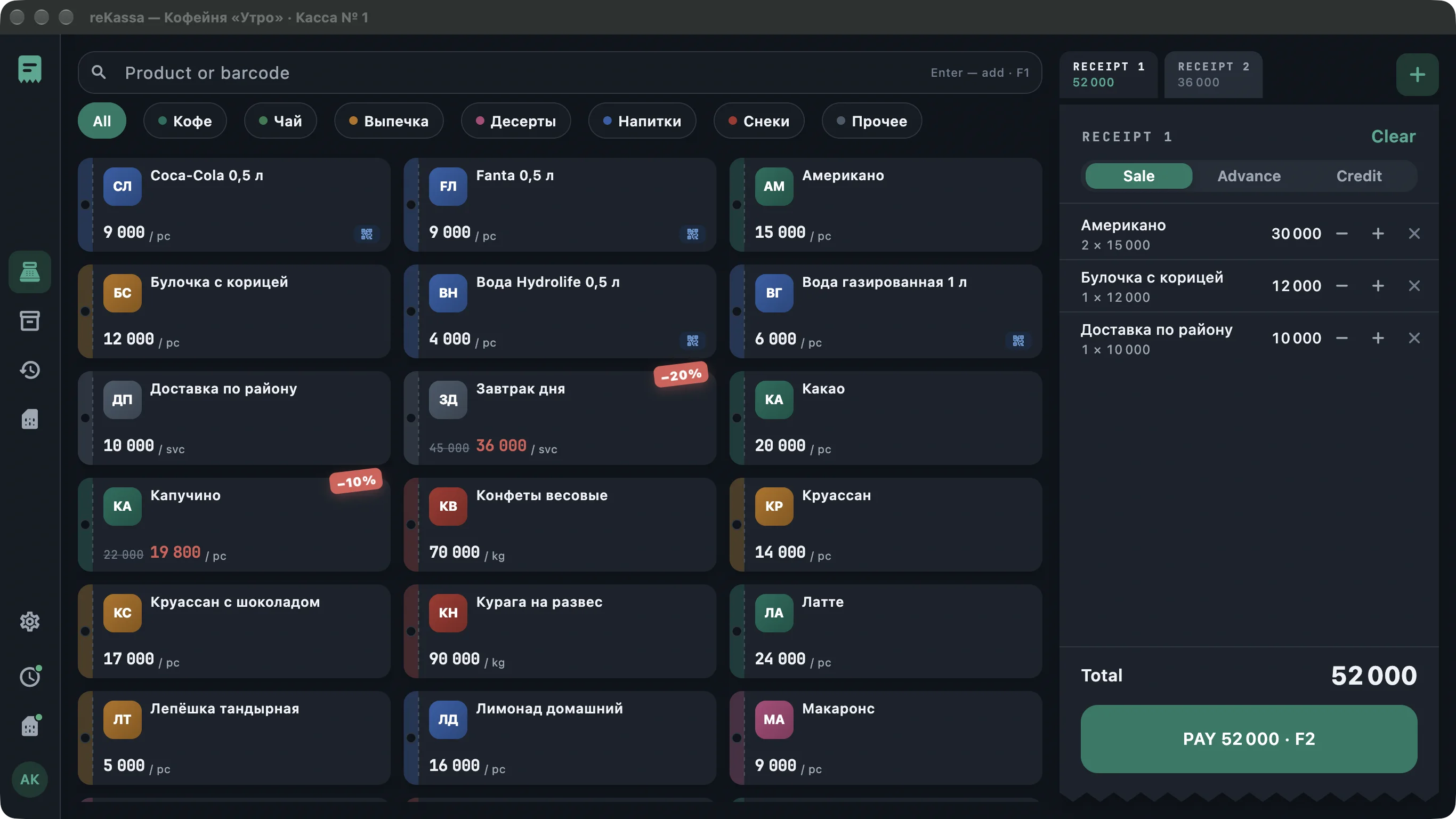
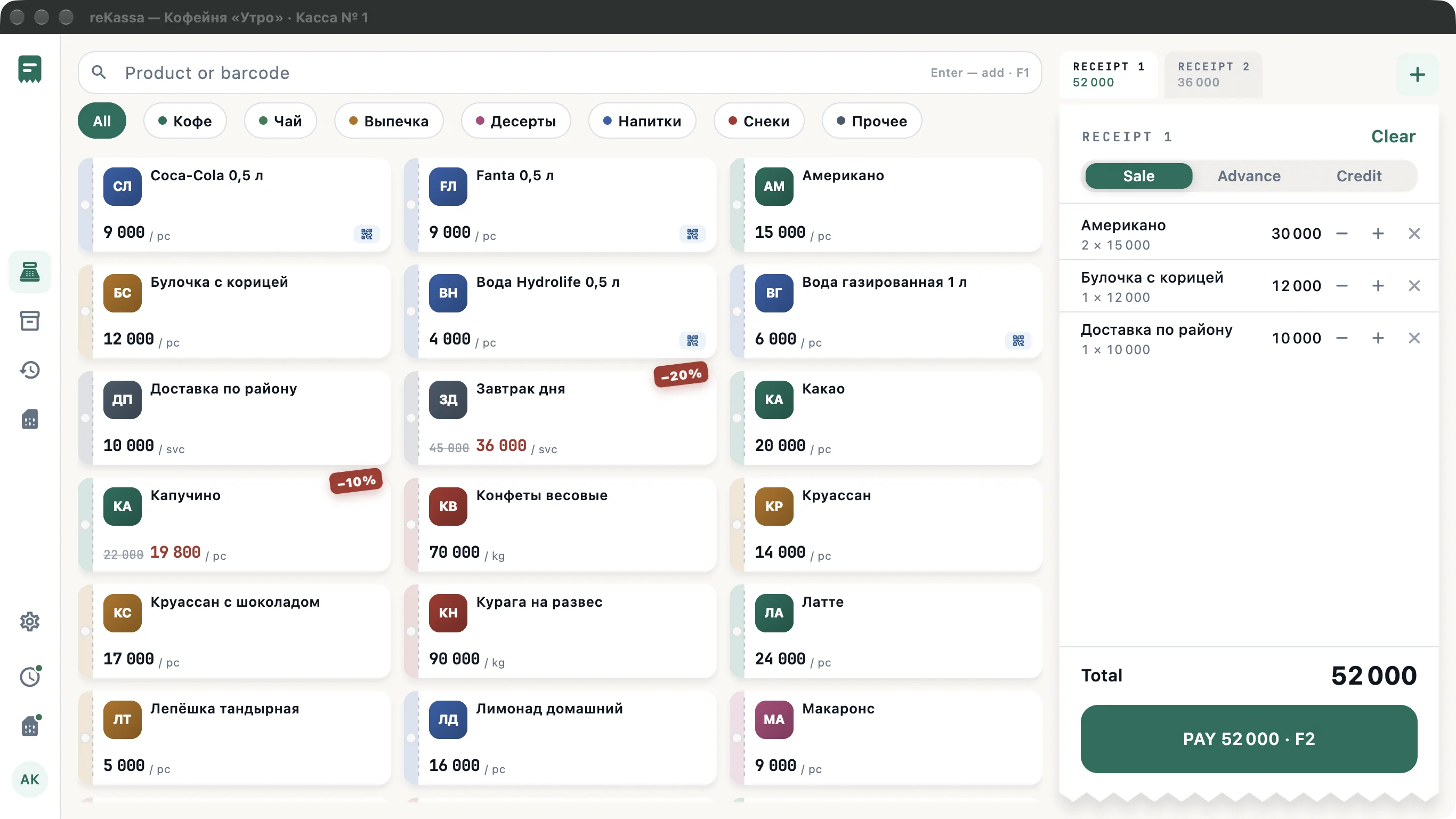
The program has two parts. The register service runs in the background and owns everything the computer has one of: the reader with the fiscal module, the database, the printer, sending receipts to the OFD. The window is what the cashier sees. The service needs no separate start: the installer installs and starts it.
Where to start
Section titled “Where to start”What works today
Section titled “What works today”The program has: connecting a register with a code from the cabinet, cashiers signing in with a PIN, products and categories, shifts, X and Z reports, selling for cash and by card, payment through UzQR, Payme, Click and Uzum, advance and credit receipts, a refund by receipt, marked goods and prescription medicines, sending receipts to the OFD, receipt printing, the receipt journal, automatic updates.
Several cashiers on one computer
Section titled “Several cashiers on one computer”The program is installed once for the whole computer. If cashiers have their own Windows accounts, each gets a window of their own and signs in with their own PIN: a receipt is signed by whoever issued it. Signing in or out in one account does not touch another. The shift, the products and the receipt journal are shared — the register is one.
Updates
Section titled “Updates”The register checks for a new version itself, downloads it and installs it at a quiet moment: when the shift is closed and nothing is being sold. To install at once, press «Update now» in Settings → Updates. When an update is mandatory, selling is closed until it is installed — the register says so on the whole screen.